How Italians Celebrate Valentine’s
February 11, 2026
Minimalist Packing | Bundle Wrapping vs Compression Cubes
February 11, 2026Smart Power Hacks to Keep Your Phone Alive on Every Adventure
Few travel frustrations feel as immediate—and preventable—as a dead phone battery. Whether you rely on your device for boarding passes, maps, ride-hailing apps, translations, or capturing unforgettable moments, your smartphone is no longer optional while traveling. It is your camera, compass, guidebook, and connection to the world.
Yet travel is demanding on battery life. Constant GPS usage, roaming signals, photography, social media uploads, and weak cellular coverage can drain even the newest phones faster than expected.
The good news? Both iPhone and Android devices come equipped with powerful—but often underused—battery-saving tools. When activated strategically, these features can dramatically extend your phone’s life without sacrificing essential functionality.
Here’s how to unlock the full potential of your device and keep it powered throughout your journey.
Why Phones Drain Faster While Traveling - Weak Signal = Stronger Drain
One of the biggest hidden battery killers is weak signal. When your phone struggles to connect to a cellular network, it continuously searches for a stronger signal. This process consumes significant power, especially in airports, mountains, rural areas, or underground transport systems.
Travel often means unpredictable reception—and unpredictable battery usage.
Constant GPS and Data Usage
Navigation apps, translation tools, ride-hailing services, and social media platforms rely heavily on GPS and background data refresh. Even when you’re not actively using these apps, they may continue running processes that silently drain your battery.
Without adjusting settings, your phone works harder than necessary.
Increased Screen Time
Travel usually means more screen time: checking directions, photographing landmarks, messaging travel companions, or reviewing itineraries. The display—especially at high brightness—consumes the largest portion of your battery.
Understanding these factors helps you control them.
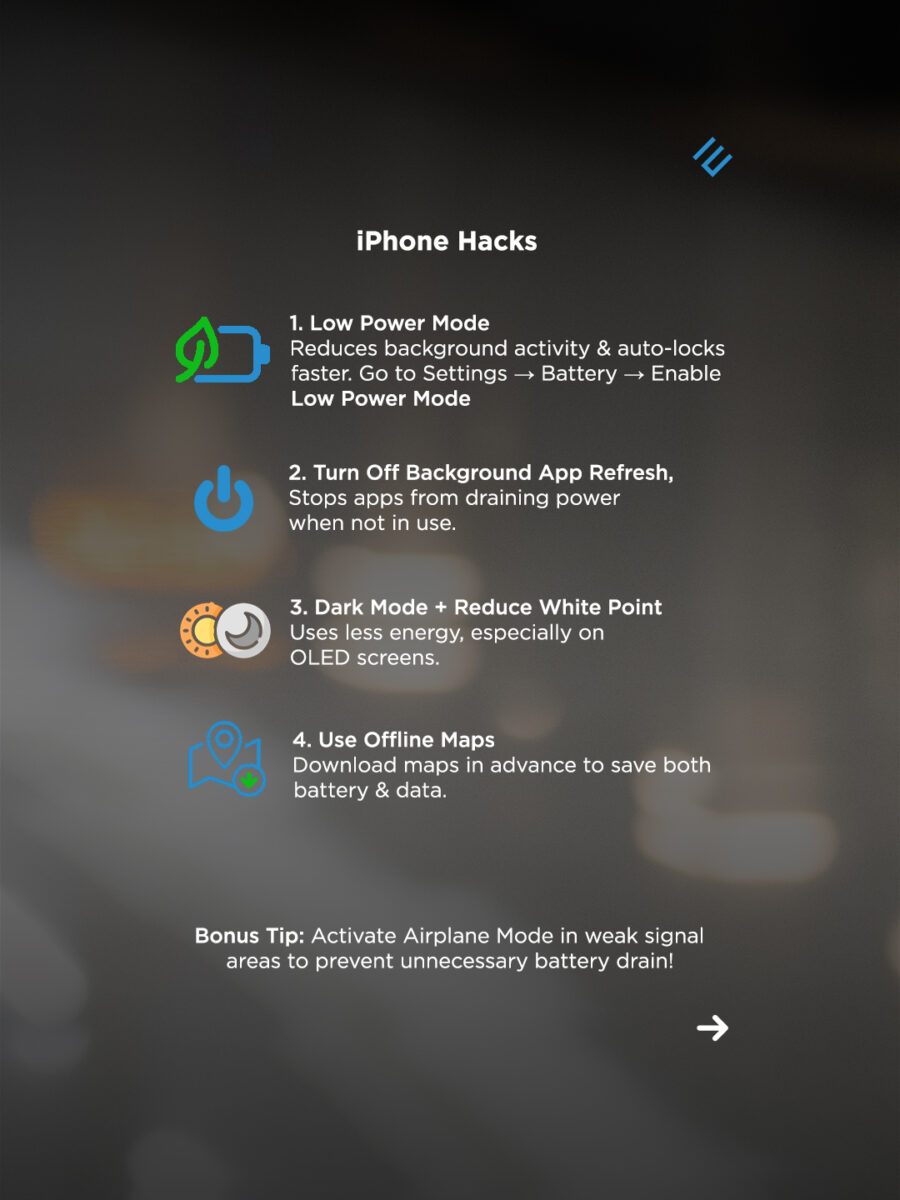
iPhone Battery Hacks
1. Low Power Mode
If there’s one setting every traveler should use, it’s Low Power Mode.
To activate:
Settings → Battery → Enable Low Power Mode
When turned on, this feature:
Reduces background activity
Shortens auto-lock time
Minimizes visual effects
Pauses non-essential tasks
It’s not just for emergencies—you can activate it anytime during heavy travel days to stretch battery life significantly.
2. Turn Off Background App Refresh
Many apps refresh content even when not open.
To adjust:
Settings → General → Background App Refresh
Disable unnecessary apps or turn it off completely while traveling. This prevents silent power consumption from apps you aren’t actively using.
3. Dark Mode + Reduce White Point
On OLED-screen iPhones, dark pixels use less energy.
Enable Dark Mode:
Settings → Display & Brightness → Dark
For additional savings:
Settings → Accessibility → Display & Text Size → Reduce White Point
Lowering brightness and limiting white intensity can noticeably extend usage, especially during long days outdoors.
4. Use Offline Maps
Navigation drains both battery and data when constantly connected.
Before leaving Wi-Fi:
Download maps in advance via your preferred mapping app.
Offline maps reduce:
Data usage
GPS strain
Screen-on time
It’s one of the simplest yet most powerful travel hacks.
Airplane Mode in Weak Signal Areas
When reception is poor, enable Airplane Mode temporarily. This stops the phone from continuously searching for signal.
You can still:
Use offline maps
Take photos
Access saved documents
Re-enable cellular service only when necessary.

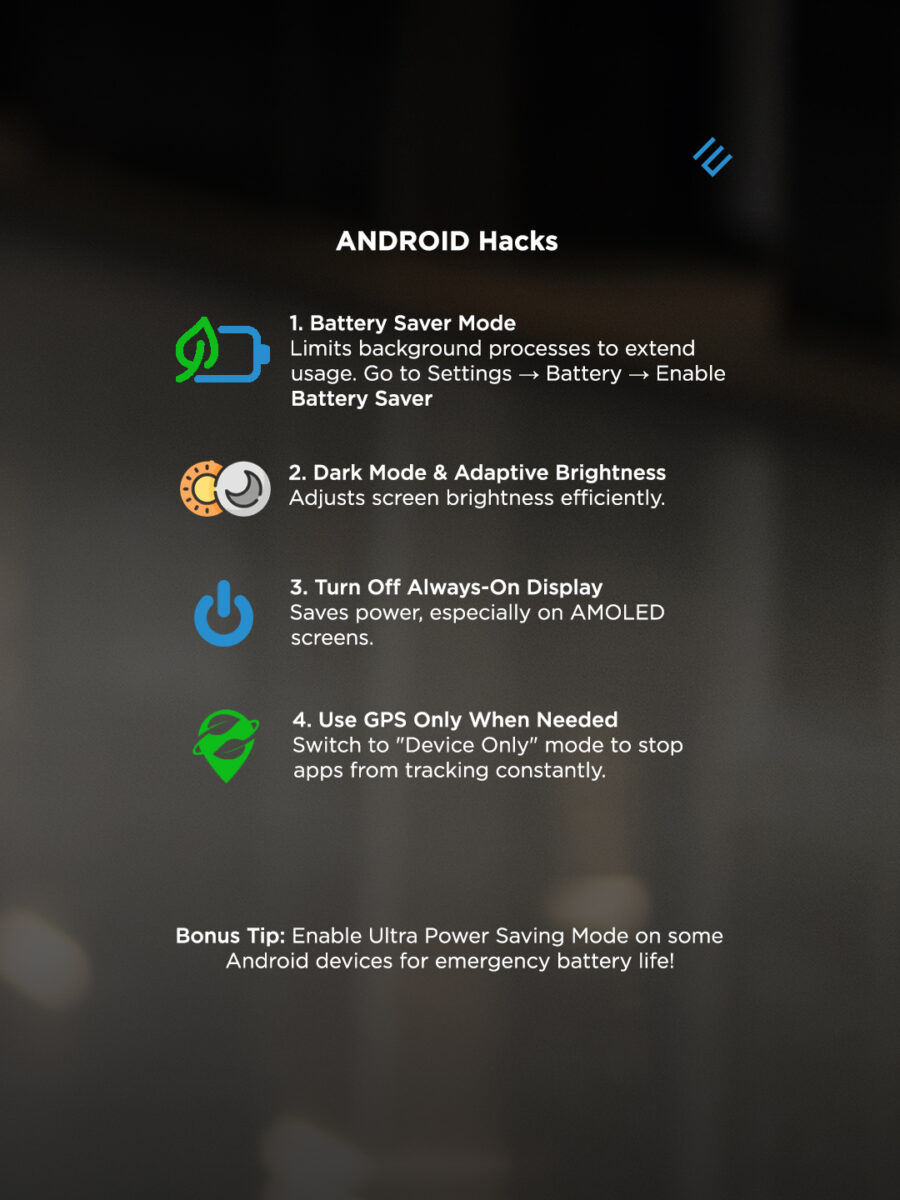
Android Battery Hacks
1. Battery Saver Mode
To activate:
Settings → Battery → Enable Battery Saver
Battery Saver:
Limits background processes
Reduces performance slightly
Restricts syncing
This mode is ideal for long sightseeing days or travel days with limited charging opportunities.
2. Dark Mode & Adaptive Brightness
On AMOLED screens, dark themes save noticeable power.
Enable Dark Mode:
Settings → Display → Dark Theme
Turn on Adaptive Brightness to automatically adjust screen intensity based on surroundings. Manual brightness at maximum is one of the biggest drains on battery.
3. Turn Off Always-On Display
Always-On Display looks sleek—but it consumes constant energy.
To disable:
Settings → Display → Always-On Display → Off
During travel, this single change can significantly extend battery life.
4. Use GPS Only When Needed
Instead of allowing apps to track constantly, switch to a more restrictive location mode.
Adjust location permissions:
Set apps to “While Using the App”
Disable background tracking
Some devices allow “Device Only” GPS mode, reducing reliance on network-based tracking.
Ultra Power Saving Mode
Many Android devices include Ultra Power Saving Mode, which limits the phone to essential apps only.
This mode is perfect for:
Emergency situations
Long excursions
Final hours before charging
It transforms your phone into a minimalist device focused on survival rather than performance.
Universal Travel Battery Strategies
Carry a Power Bank
Even with optimized settings, external backup is smart. A lightweight power bank ensures peace of mind.
Charge Whenever Possible
Airports, cafés, trains—use charging opportunities even if your battery isn’t low. Top-ups are better than full drains.
Close Unnecessary Apps
Manually close unused apps to prevent background activity, especially during long transit days.
Turn Off Push Notifications
Notifications wake your screen constantly. Disable non-essential alerts while traveling to conserve energy.
Travel Smarter, Not Harder
Your phone isn’t just a device during travel—it’s your safety net, memory keeper, and navigation guide. A drained battery can mean missed photos, lost directions, or unnecessary stress.
By activating the right battery-saving modes and adjusting key settings, you can extend usage dramatically—sometimes doubling your available time between charges.
The secret isn’t buying a new phone.
It’s using the one you have smarter.
Travel is about exploration, connection, and capturing moments that matter. A simple adjustment in settings can mean the difference between scrambling for a charger and calmly enjoying your surroundings.
Whether you’re navigating winding streets, hiking remote trails, or hopping between flights, keeping your phone alive means keeping your journey smooth.
Because the only thing that should run out on an adventure…
is time—not battery. 🔋✨